

- Built-in webhook signature validation
- Fully typed webhook payloads
Get Started
Use our sandbox environment during developmentSo you can easily test purchases, subscriptions, cancellations and refunds to
automatically trigger webhook events without spending a dime.
1
Add new endpoint
Head over to your organization settings and click on the 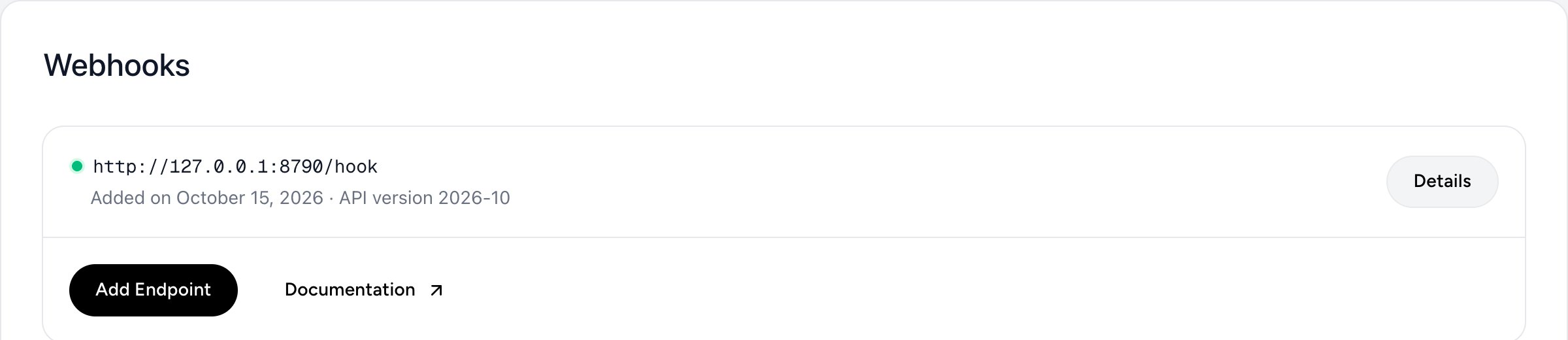
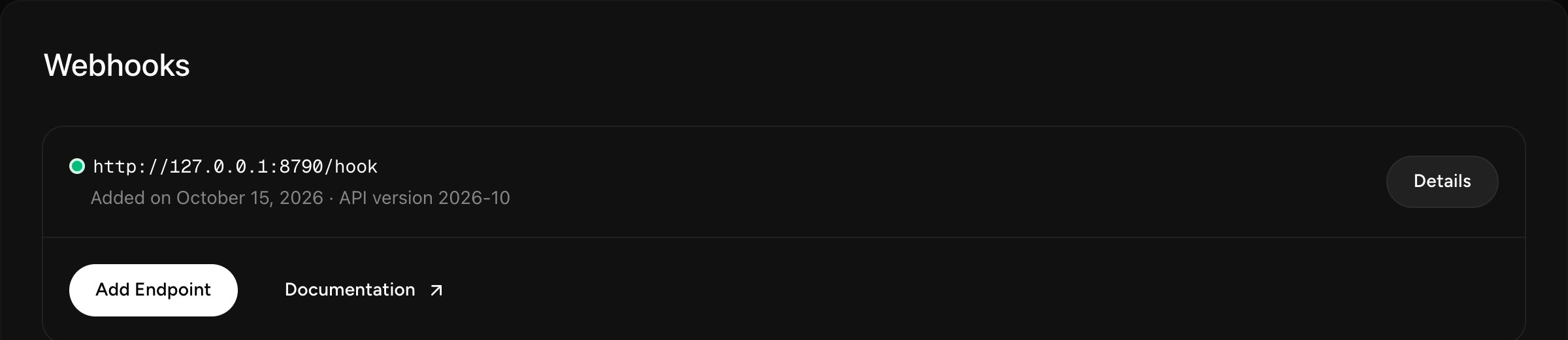
Add Endpoint button to create a new webhook.2
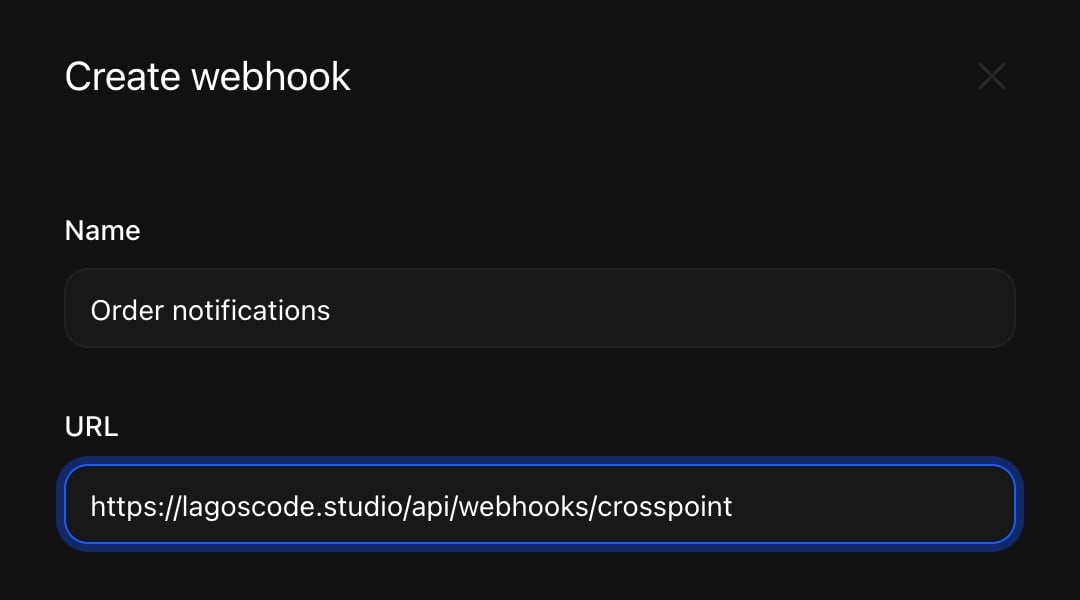
Specify your endpoint URL
Enter the URL to which the webhook events should be sent.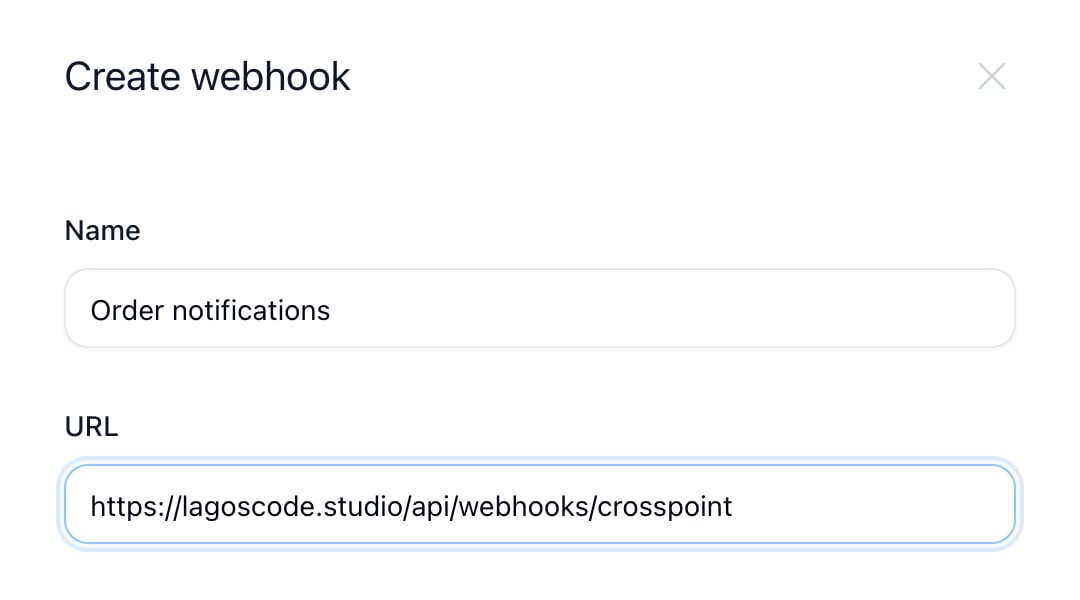
3
Choose a delivery format
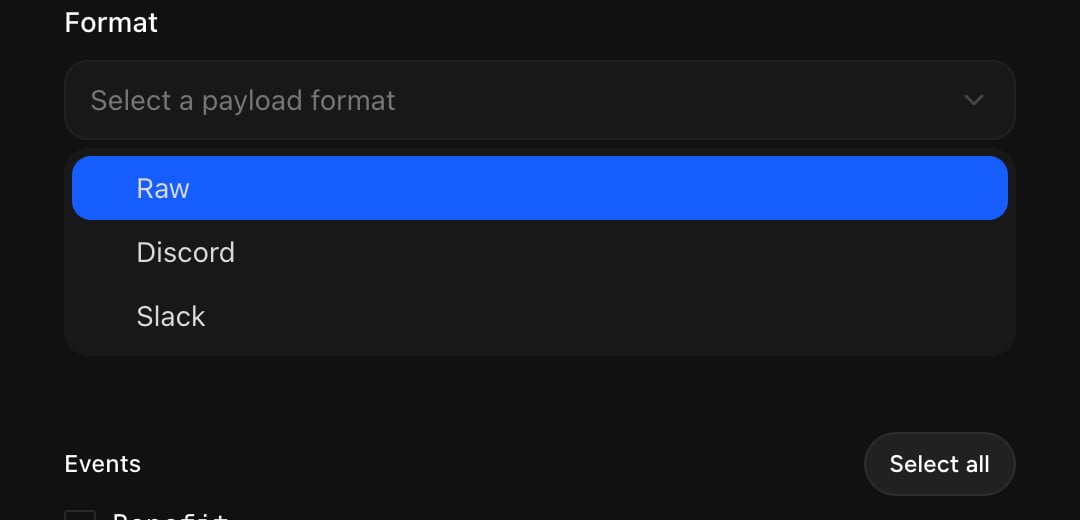
For standard, custom integrations, leave this parameter on Raw. This will send a payload in JSON format.If you wish to send notifications to a Discord or Slack channel, you can select the corresponding format here. Crosspoint will then adapt the payload so properly formatted messages are sent to your channel.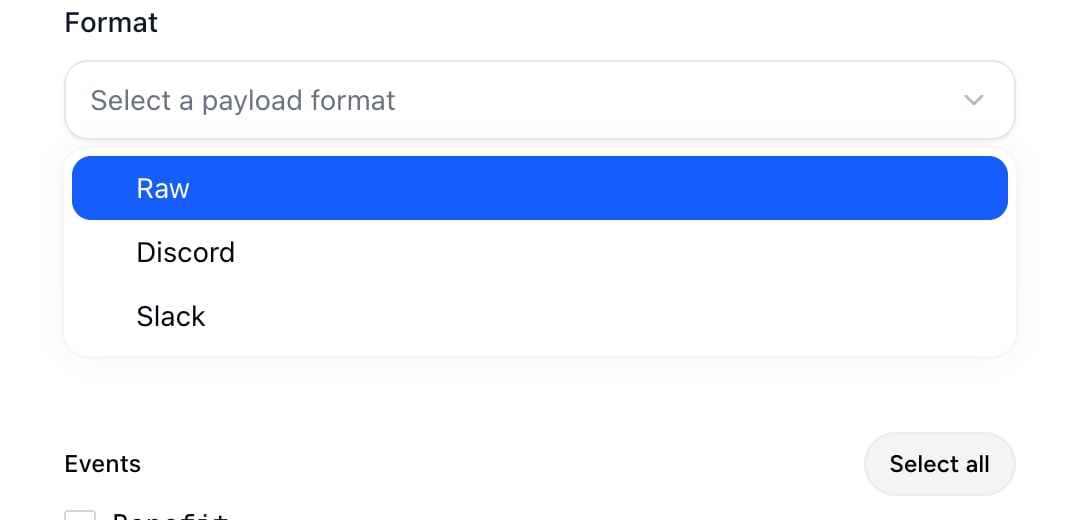
4
Copy the signing secret
Crosspoint generates a secret for every endpoint and signs each request with
it, so you can check with our SDKs that a payload really comes from
Crosspoint.After you create the endpoint, open it and click Copy Secret. Reset
Secret gives you a new one.

5
Subscribe to events
Finally, select all the events you want to be notified about and you’re done 🎉